Can I try ZWCAD before I buy?
Of course! The Italian installer for 64-bit Windows is on the Downloads page. Download it, install it and follow the program’s instructions to start the 30-day free trial. You do not need to request a quotation to download it. Download ZWCAD
Can I use my existing drawings?
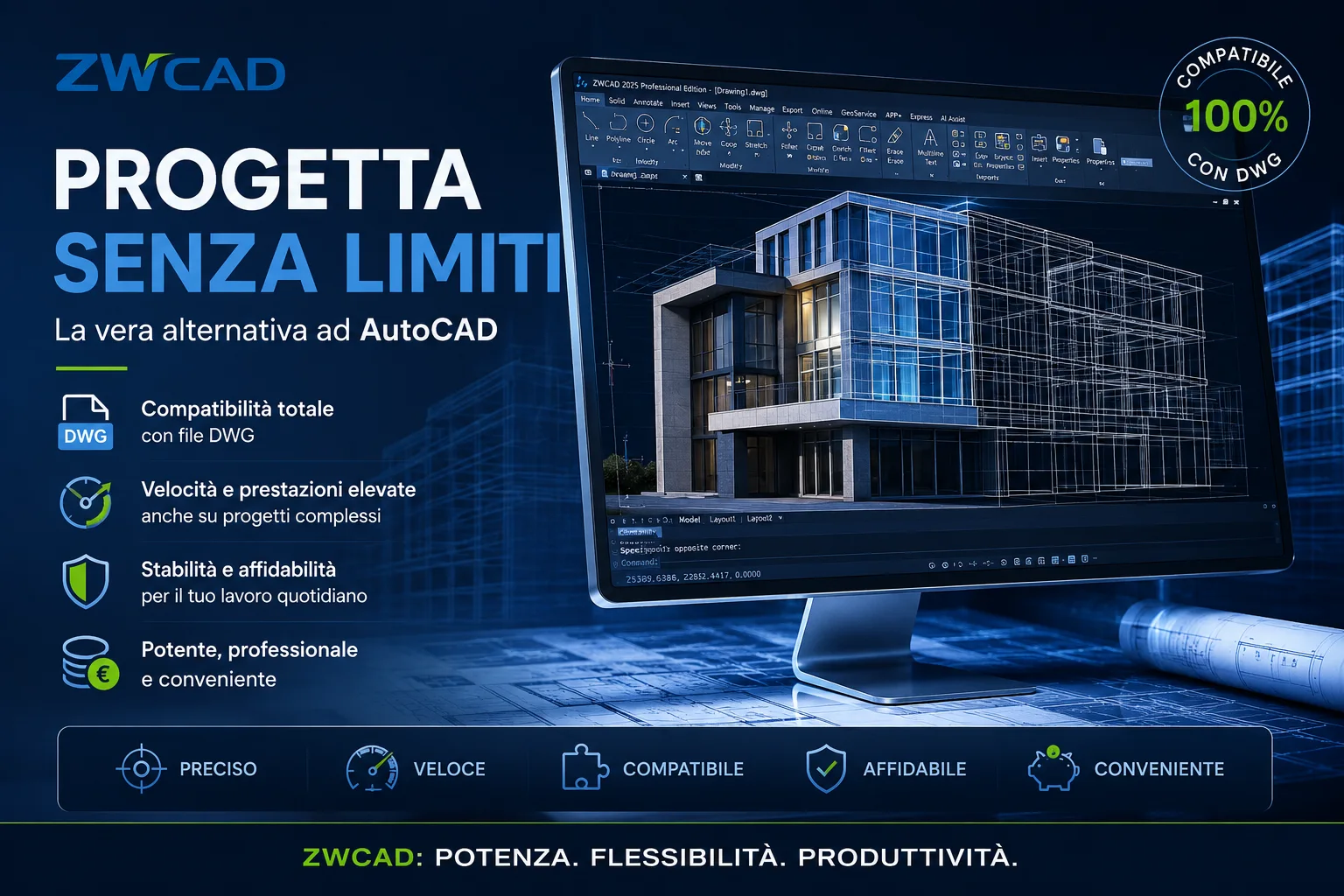
Yes, ZWCAD opens and edits DWG and DXF files. During the trial, open a few drawings you use every day to check that your files, fonts and add-ons work as expected.
Can I import and edit a PDF?
You can import lines and text from a PDF in both Standard and Professional. To convert one or more PDFs to DWG/DXF using the additional PDF Converter tool, you need Professional. A scanned PDF remains an image: it does not automatically become an editable drawing. Try one of your own PDFs to see the result.
Will I have to learn everything again?
If you already use a DWG CAD program, the workspace and many commands will feel familiar. You can bring across templates, fonts, hatches and plot settings. If you use add-ons or automated routines, we’ll help you check their compatibility.
Can I use point clouds and BIM models?
Yes. ZWCAD 2026 Professional 3.0 already includes point clouds, RVT import from 2015 to 2025 and IFC tools. These features are part of the Professional licence, with no separate BIM module to buy. RVT import retains some of the model information.
Can I use ZWCAD on Mac or Linux?
No. ZWCAD 2026 is developed for 64-bit Windows. macOS and Linux are not among the supported operating systems.
How do I choose the right licence?
Tell us about your work, how many people will use ZWCAD and whether you need 2D drafting only or 3D tools too. We’ll help you choose between Standard and Professional, consider standalone or network use, and prepare a quotation for your needs.
How do I activate ZWCAD after buying it?
Use the code you receive with your licence and follow the steps in the ZWCAD licence manager. You can activate it online. If your PC isn’t connected, there’s also an offline process using another connected device: we can guide you through it.
I’m changing computers: what happens to my licence?
Before changing PCs or reinstalling Windows, follow the licence return steps in the ZWCAD licence manager. This frees the licence so you can reactivate it. If the old PC has failed or you’re not sure what to do, contact us and we’ll help you check the right steps.
Can you help me install and activate ZWCAD?
Yes, you can contact us to receive support with installing and activating ZWCAD.
How do I buy ZWCAD from SETEC?
Request a quotation using the contact form, where ZWCAD is already selected. Tell us your requirements and how many workstations you need: you will receive a personalised proposal. Then follow SETEC’s instructions to purchase and activate the licence.